Mobile RAM Increase App: How to Increase RAM and Make Your Phone Faster
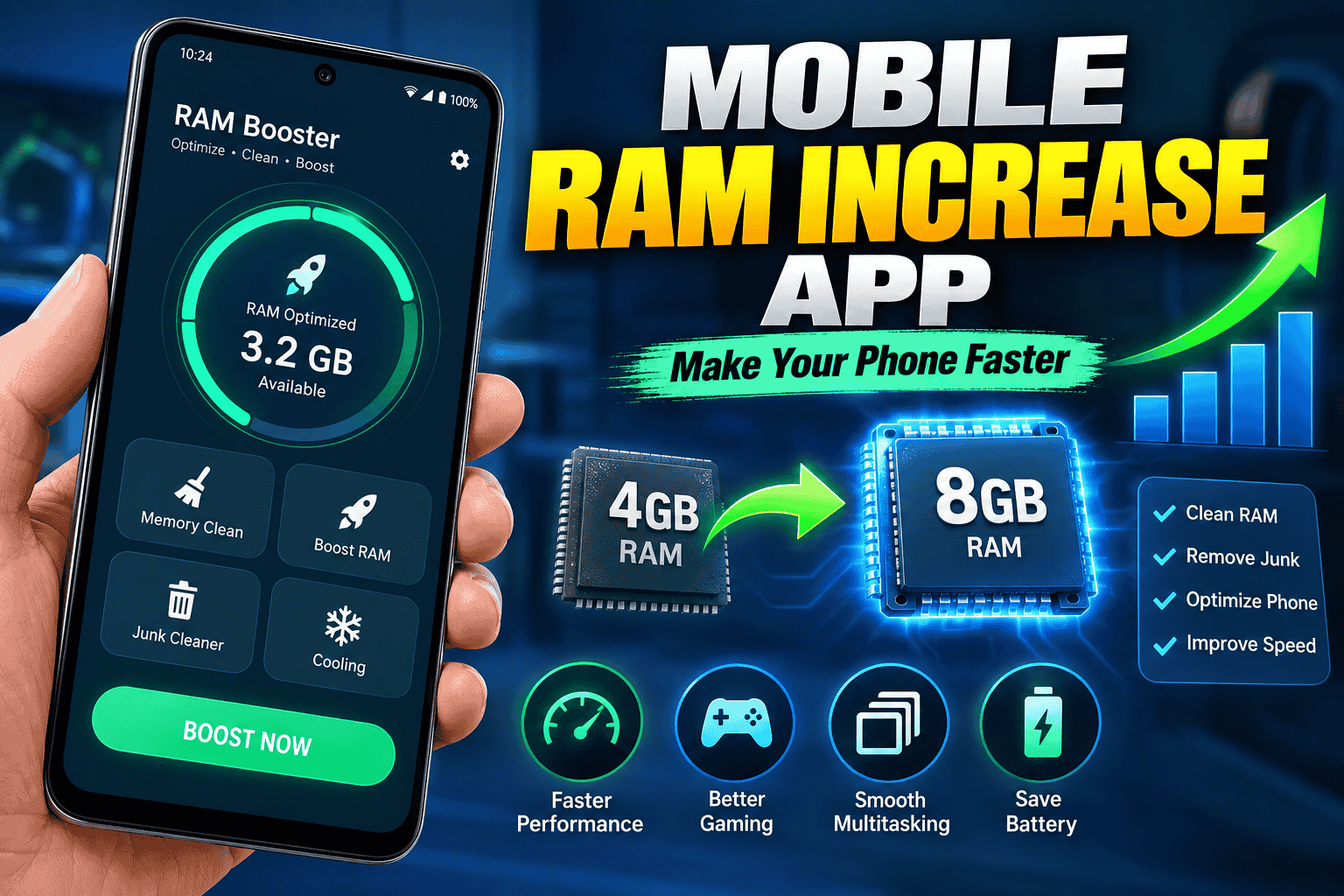
If your Android phone feels slow, apps keep restarting, or games are not running smoothly, you may be searching for a Mobile RAM Increase App. RAM plays an important role in smartphone performance because it allows your phone to keep apps and processes available for quick access.
However, there is an important thing to understand before installing any RAM booster app: a normal application cannot physically add more RAM chips to your smartphone. Some apps can help manage memory, while some Android devices provide a built-in feature called Virtual RAM or RAM Expansion, which uses part of the phone’s internal storage as additional memory.
What Is RAM in a Mobile Phone?
RAM stands for Random Access Memory. It is temporary memory used by your smartphone to store information that active applications need. When you open a browser, social media application, game, or video editor, the operating system uses RAM to keep these processes available.
More RAM can allow a phone to keep more applications running in the background. This can reduce the need to reload apps when you switch between them. However, RAM capacity is only one part of overall smartphone performance. The processor, storage speed, operating system, battery condition, and app optimization also have a major impact.
Can a Mobile RAM Increase App Really Increase RAM?
This is one of the most common questions users ask. The short answer is: an ordinary app cannot physically increase the installed RAM of your phone.
For example, if your smartphone has 4GB of physical RAM, installing an app cannot turn the physical hardware into 8GB of RAM. An application may close background processes or help free memory temporarily, but that is different from adding physical RAM.
Some modern Android smartphones support Virtual RAM. This feature reserves a portion of internal storage and uses it as additional virtual memory when necessary. The exact name and availability of this feature depend on the phone manufacturer and Android version.
What Is Virtual RAM?
Virtual RAM is a software feature that allows part of your phone’s internal storage to be used as an extension of memory. Different manufacturers may call it RAM Plus, Memory Extension, Extended RAM, Virtual RAM, or another name.
Because internal storage is generally slower than physical RAM, virtual RAM should not be considered a direct replacement for real RAM. It can nevertheless help some devices handle memory pressure and multitasking.
If your smartphone supports this feature, it is usually better to use the manufacturer’s built-in setting rather than relying on an unknown third-party application.
How to Check RAM on an Android Phone
Before searching for a Mobile RAM Increase App, check how much RAM your phone already has. On many Android devices, RAM information can be found under the phone’s settings.
- Open Settings.
- Look for About Phone or Device Information.
- Check the listed RAM or memory information.
- On some phones, RAM information may be available under Device Care or Memory.
The exact menu can be different depending on the manufacturer and Android version.
How to Increase Virtual RAM on Android
If your smartphone supports RAM expansion, you may be able to enable it directly from the system settings. The option and available amount vary between devices.
A typical process may look like this:
- Open your phone’s Settings.
- Search for RAM, Memory Extension, or Virtual RAM.
- Open the available RAM expansion option.
- Select the amount of storage you want to allocate, if options are provided.
- Restart the phone if the system asks you to do so.
Keep in mind that not every Android smartphone supports virtual RAM. If the option is not available, you should not assume that a third-party app can safely add the feature.
Do RAM Booster Apps Improve Phone Speed?
RAM booster applications often advertise features such as memory cleaning, background process management, junk cleaning, or performance optimization. These features may sometimes free memory temporarily, but constantly forcing Android apps to close is not necessarily beneficial.
Android is designed to manage RAM automatically. The operating system can use available RAM for caching and background tasks and can remove processes when more memory is required. Therefore, seeing a large amount of RAM being used does not automatically mean that your phone has a problem.
Instead of repeatedly cleaning RAM, it is usually more useful to identify the actual cause of slow performance.
Best Ways to Improve Mobile Performance
1. Remove Unused Apps
Unused applications consume storage and some may run background services. Removing apps you no longer need can help keep your phone organized and may improve overall system performance.
2. Keep Enough Free Storage
A phone with almost completely full internal storage may experience performance problems. Delete unnecessary videos, downloads, duplicate files, and unused applications to create additional free space.
3. Restart Your Phone
A simple restart can stop temporary processes and refresh the operating system. If your phone has been running continuously for a long time, restarting it may help with temporary slowdowns.
4. Update Android and Apps
Software updates can include bug fixes, security improvements, and performance optimizations. Keep your operating system and important applications updated when compatible updates are available.
5. Reduce Background Activity
Some applications constantly synchronize data or run background services. Review apps that you rarely use and restrict background activity where your Android version provides such controls.
6. Use Lite Versions When Available
Some popular services provide lightweight versions of their applications. These versions may require fewer resources and can be useful on smartphones with limited RAM.
Mobile RAM Increase App for Gaming
Gamers often search for a Mobile RAM Increase App because demanding games require substantial system resources. However, a RAM booster cannot turn a low-end smartphone into a high-end gaming phone.
Gaming performance depends on several components, including the processor, graphics processor, RAM, storage speed, cooling system, and software optimization. Lowering graphics settings and closing unnecessary applications can sometimes provide a more noticeable improvement than repeatedly cleaning RAM.
Are RAM Cleaner Apps Safe?
Not every RAM cleaner or booster application is necessarily harmful, but users should be careful when installing third-party apps. Some applications may request unnecessary permissions, display excessive advertisements, or make unrealistic performance claims.
Before installing a RAM management application, check its developer, permissions, reviews, update history, and privacy information. Avoid applications that claim they can magically double or triple your physical RAM with one tap.
What Is the Best Mobile RAM Increase App?
There is no universal app that can physically increase the RAM installed in every smartphone. The best approach is to first check whether your phone manufacturer provides a built-in RAM expansion feature.
If your device does not support virtual RAM, focus on optimizing storage, removing unused applications, updating software, and controlling unnecessary background activity.
Built-in Android tools are often preferable because they are designed specifically for the device’s operating system and hardware.
Mobile RAM Increase App vs Virtual RAM
| Feature | RAM Booster App | Virtual RAM |
|---|---|---|
| Physically adds RAM | No | No |
| Uses internal storage | Usually no | Yes |
| Manufacturer support | Not required | Required |
| Helps multitasking | Limited/temporary | May help on supported devices |
| Replaces physical RAM | No | No |
Frequently Asked Questions
Can I increase 4GB RAM to 8GB with an app?
No. A normal mobile application cannot physically upgrade 4GB of installed RAM to 8GB. Some supported smartphones can use virtual RAM, but this is different from adding physical RAM.
Is there a real RAM increase app for Android?
Apps can manage or free memory, but they cannot physically add RAM. If your phone supports RAM expansion, use the built-in system feature when possible.
Does clearing RAM make a phone faster?
It can sometimes provide a temporary improvement if a particular app is consuming excessive resources, but constantly clearing RAM is generally unnecessary because Android manages memory automatically.
Does virtual RAM make a phone faster?
Virtual RAM may help some devices with multitasking when physical RAM is under pressure. However, it is slower than physical RAM and should not be expected to produce the same performance improvement as having more actual RAM.
Can RAM increase apps damage a phone?
The risk depends on the particular application and the permissions it requests. Avoid unknown apps with suspicious permissions or unrealistic claims, and prefer built-in device features whenever available.
Final Verdict
Searching for a Mobile RAM Increase App is understandable when your phone becomes slow, but it is important to know what these apps can and cannot do. A software application cannot physically increase the RAM chips inside your smartphone.
Some Android phones offer built-in Virtual RAM or memory expansion that uses part of internal storage as additional virtual memory. For supported devices, this can be useful for certain multitasking situations.
For the best overall performance, keep sufficient storage available, remove unnecessary apps, update your software, reduce unwanted background activity, and use the phone’s built-in optimization features. These practical steps are generally more useful than relying on apps that promise to magically increase physical RAM.
If you are considering a RAM booster application, always research the app carefully and avoid products that make unrealistic performance promises.