Four Handy Android Utilities: SIM Owner Details, WAMR, Medi Scanner, and Truecaller
Phones can do a lot, but we sometimes need a small tool to solve one specific problem — recover a deleted message, check who a number belongs to, scan medicine barcodes, or identify an incoming caller. Below you’ll find clear, practical reviews of four useful apps along with direct download links so you can try them right away.
1. Sim Owners Details
What it is: Sim Owners Details is a simple utility that helps you look up basic SIM and owner information by phone number or national ID (where available). It’s useful when you want a quick check of SIM registration data or country dialing codes.
Key features
- Search by phone number or national ID (CNIC) where supported
- List of country codes for quick dialing help
- Minimal interface designed for quick lookups
Why you might like it: If you work with contacts, run small buyer lists, or need to verify a number before calling, this app saves time. It’s lightweight and focused, so you won’t get distracted by unnecessary features.
Watchouts: Such apps rely on public or permitted registries. Coverage varies by country and operator — results are not guaranteed for every number. Always respect privacy and local laws when using lookup tools.
How to use: Open the app, enter the number or ID, tap search, and review the returned fields. If the app offers country codes, use the built-in list to format numbers correctly for international dialing.
2. WAMR — Undelete Messages
What it is: WAMR is an app for recovering deleted messages and media from messaging apps. If someone deletes a sent message or an image, WAMR can sometimes retrieve it from your device’s notification history.
Key features
- Recovers deleted text messages and media
- Monitors notifications to store incoming content
- Organized history so you can review recovered items
Why you might like it: It’s handy when messages disappear unexpectedly or someone deletes a photo before you view it. For journalists, small business teams, or busy chat groups, WAMR can be a safety net for important content.
Watchouts: WAMR works by reading notifications. This means the app needs permission to access notifications and won’t recover messages if notifications are blocked or if the message never triggered a notification. It also cannot bypass end-to-end encryption or recover content that was never delivered to your device.
How to use: Grant notification access when prompted and enable monitoring for the messaging apps you want to protect. From then on, WAMR logs content from incoming notifications and can show deleted messages when they arrive and are later removed.
3. Medi Scanner
What it is: Medi Scanner is a medicine and pill identification tool. It helps you scan medicine labels or barcodes and get essential details — name, active ingredients, and usage guidance. For travellers or caregivers, it’s a quick reference.
Key features
- Barcode/label scanning for quick identification
- Drug details and common uses
- Simple interface for quick lookups
Why you might like it: When you find an unlabeled pill or want to confirm a medicine, a scanner can reduce guesswork. It’s especially useful alongside official medical advice, as it helps you gather accurate names and ingredient lists before consulting a doctor or pharmacist.
Watchouts: Apps like this are for informational purposes only. They should not replace professional medical advice. Always confirm any medication changes or doses with a qualified healthcare provider.
How to use: Open the app, point the camera at the barcode or label, and let the app identify the product. If scanning fails, try entering the medicine name manually or consult a pharmacist.
4. Truecaller — Caller ID & Spam Blocker
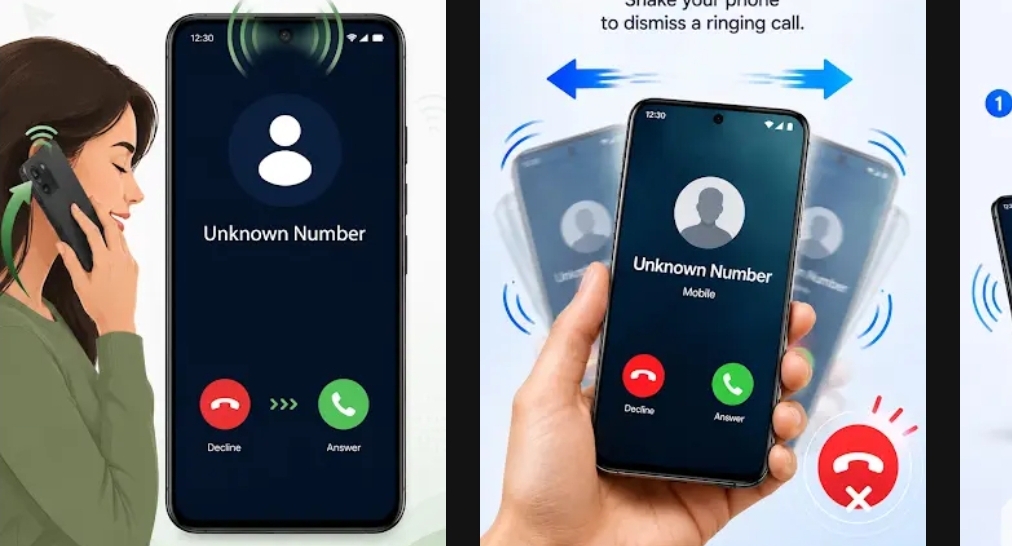
What it is: Truecaller is a well-known caller ID and spam-blocking app. It identifies incoming calls from numbers not in your contacts, shows caller names from its database, and lets you block robocalls and telemarketers.
Key features
- Real-time caller ID for unknown numbers
- Automatic spam detection and blocking
- Search phone numbers and reverse lookup
Why you might like it: If you get many unknown or spam calls, Truecaller can cut interruptions and help you decide whether to pick up. The app has a large user base and a constantly updated spam list, which improves detection over time.
Watchouts: Like all caller ID services, accuracy depends on data and community reports. Truecaller also asks for phone permissions to provide the service. Review the privacy settings and permissions during setup.
How to use: Install Truecaller, grant the necessary phone and contact permissions if you want full functionality, and set up your blocklist preferences. You can also use it to search numbers manually if you receive a suspicious call.
Choosing the Right Tool
All four apps solve small but common problems. If you need to verify ownership data for a SIM, use Sim Owners Details. If you want a backup of delivered messages, WAMR helps. If you need fast medication identification, Medi Scanner is handy. If unknown calls are a nuisance, Truecaller is a mature option.
Before installing: check app permissions, read a few recent reviews, and confirm that an app’s capabilities match your local regulations and privacy standards. These tools are convenient, but they work best when you understand their limits.
If you want, I can convert this article into a blog-ready version with SEO headings and meta tags, or produce separate 1500-word deep dives for each app. Just say which format you prefer.